
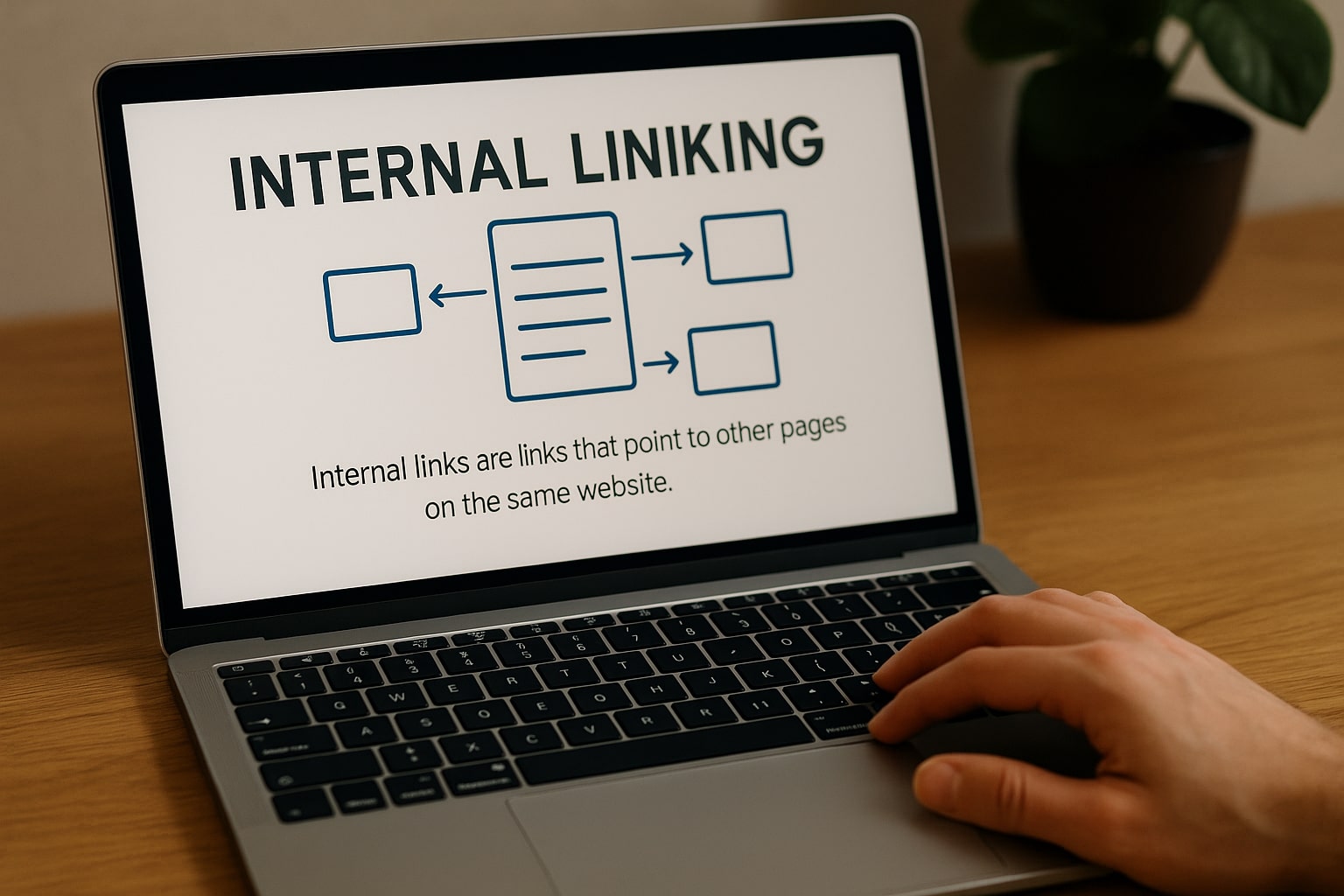
When we think about optimizing a page for search engines, the first things that usually come to mind are keywords, meta descriptions, and page load speed. However, there’s an equally important element that’s often overlooked: internal linking. This strategy, when well-planned, not only helps Google understand your site’s structure but also improves the browsing experience for your users.
At Doowebs, we know that effective interlinking can make the difference between a well-ranked site and one stuck on the second page of search results. We’ll break down how it works, the different types available, and, most importantly, how to implement it effectively.
What is internal linking and why is it so important?
Internal SEO linking involves creating hyperlinks that connect different pages within the same domain. This should not be confused with external links, which point to other websites.
Its importance lies in two key aspects:
- Improves usability: Visitors can find related content without having to search for it manually.
- Optimize your ranking: Google uses these links to discover new pages and understand your website’s hierarchy.
Types of internal linking
There are different types of internal linking, and each one serves a specific function:
1. Navigation links
These are the ones we find in menus, sidebars, or footers. They are designed to guide the user to the main sections.
2. Contextual links
They appear within the text of an article or page and usually lead to related content. They are the most powerful in terms of SEO interlinking because they provide semantic context.
3. Enlaces en breadcrumbs
Breadcrumbs allow users to know where they are on the website and make it easy to navigate back. They also help Google understand the hierarchical structure.
4. Links in images
When an image is linked to another internal page, it also becomes part of the linking structure. It’s important not to overuse this and to always add descriptive alt attributes.
A web design company can be a perfect ally to accompany you in this process.
Benefits of good internal linking SEO
Optimized internal linking offers clear advantages:
- Improved indexing: Google crawls logically linked pages better.
- It distributes authority (link juice) more efficiently.
- It increases the user’s time spent on the website.
- It reduces the bounce rate, as the visitor has more reasons to continue browsing.
- Strengthen the content strategy by linking articles and pages coherently.
At Doowebs, for example, we work on SEO interlinking not only to increase positions, but to create a natural flow that accompanies the user throughout their journey.
Common errors in internal linking
Even on websites with a lot of content, it’s common to find common internal linking errors that negatively impact performance:
- Excessive linking: Too many links in a single text can be overwhelming and confusing.
- Generic anchor text: Using phrases like “click here” provides no information to Google or the user.
- Broken links: They cause frustration and damage SEO. Tools like Screaming Frog help detect them.
- Do not link to deep pages: If we only link to the homepage or main categories, we leave some of the content invisible.
- Lack of logic in the structure: Random interlinking can make tracking difficult.
Practical strategies to improve your interlinking
Here’s an action plan to optimize your internal SEO links:
1. Create a clear architecture
Think of your website as a tree: the homepage would be the trunk, the categories the thick branches, and the articles or products the leaves. Good internal linking for SEO connects everything so that the sap (authority) flows to all levels.
2. Use a descriptive anchor text
If you have an article about “Responsive web design”, the link should say “see responsive web design tips” instead of “here”.
3. Link new content to old content (and vice versa)
Every time you publish an article, link to it from related previous posts. Also, review older content and add links to the latest articles.
4. Prioritize strategic pages
If there are key pages for your business (such as a main Doowebs service), make sure they receive links from different sections.
5. Control the number of links
Google recommends not overusing links on a single page. There’s no exact number, but ideally, they should all be relevant and useful.
Tools to audit your internal linking
Simply adding links and forgetting about it isn’t enough. You need to audit your strategy regularly. Some useful tools include:
- Google Search Console: To see how Google crawls your website.
- Ahrefs or SEMrush: They offer internal linking maps and detect orphaned pages.
- Screaming Frog SEO Spider: Perfect for finding broken or misconfigured links.
How we work with internal linking at Doowebs
At Doowebs, we apply internal linking as part of a comprehensive SEO strategy. Before adding a single link, we analyze:
- The hierarchical structure of the web.
- The pages with the highest authority.
- User behavior.
- The semantic relationship between contents.
From there, we designed an interlinking map that balances the technical with the natural, always keeping in mind that the user can find what they are looking for with minimal effort.
If you want to improve your website’s internal linking and leverage its full SEO potential, Doowebs can help you plan and implement a strategy tailored to your business. Contact us today and discover how to make every click count.
Internal linking for SEO is not a minor detail, but a powerful tool for guiding your visitors and improving your search engine ranking. Mastering the different types of internal linking, avoiding common mistakes, and implementing strategic interlinking will make a significant difference in your website’s visibility and effectiveness.